
If you’ve ever watched a team try to book a meeting room - bouncing between Outlook, Teams, a room panel, mobile, and a separate booking system - you already know the truth:
Many organisations don’t have a room availability problem. Not really...although ghost bookings and unattended meetings absolutely are a problem!)...
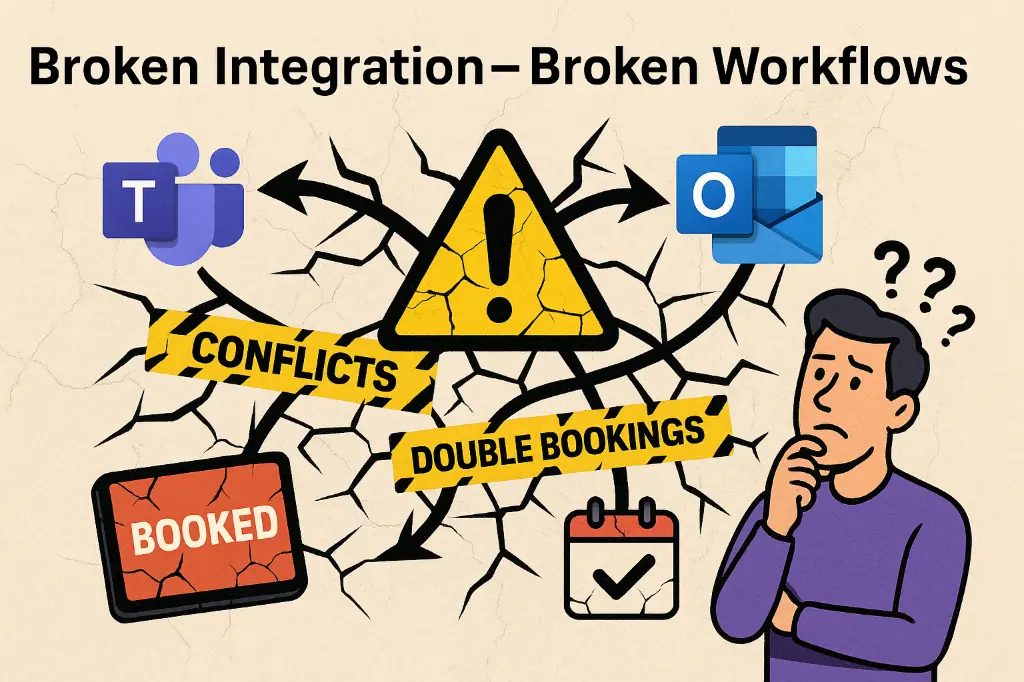
They have a workflow problem. Systems don't talk properly, and there's no "single source of truth".
Where people actually book rooms and spaces - and the headache it can cause
People use different tools for booking depending on context and how they are working at that moment. It's worth understanding these journeys to understand why Exchange integration is important - and how it can really boost system adoption. If you don't account for making sure calendars stay in sync across all these platforms - you will get double bookings and broken workflows!
Work Situation | System of Preference |
Planning ahead or replying to email | Outlook |
Live collaboration or chat | Teams |
On the move | Mobile phone |
Complex or future booking needs | Web booking system |
Standing at the door | Room panel |
Real life | Sometimes… not at all |
So forcing people to use only one system for booking is broken from the start.
And yet most organisations still ask us :
“Should we train everyone to book in Outlook?”
“Can we stop people booking in Outlook?”
“Should we push people to book in Teams?”
“Should bookings only happen in the booking app?”
Those are valid questions – sort of.
But they are also a sign of a broken booking process. Something broken...somewhere. Because you shouldn't be having to ask these questions.
Outlook isn’t built to be a booking system.
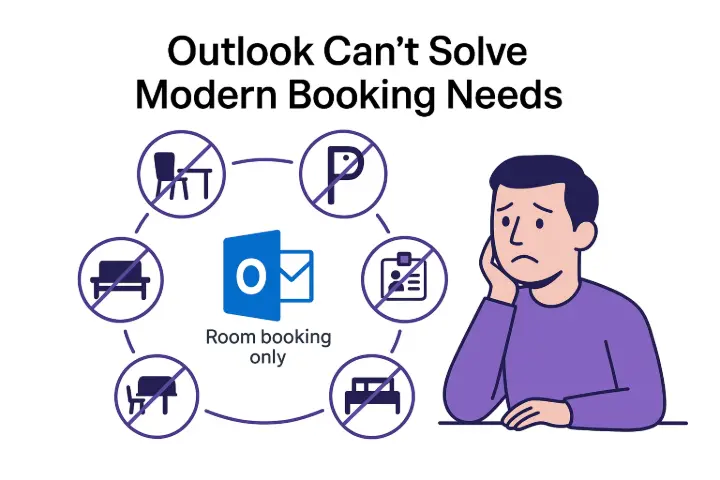
Outlook and Teams are not built to be hybrid office booking systems. They can "book" rooms, but that's about it. Even then, it's really just inviting a calendar - nothing more.
Booking systems are built for resource logistics, workplace rules, occupancy, check-in, visitors, desks, parking and hybrid coordination - none of which Microsoft Exchange, Outlook or Teams can handle natively alone.
But booking systems without deep Microsoft integration don’t help either.
Users need to be empowered to:
Book wherever they naturally are at any given moment
See bookings made across any platform instantly
Trust availability across all tools and not worry about "double bookings" or losing out
Simple, right!?
The real problem
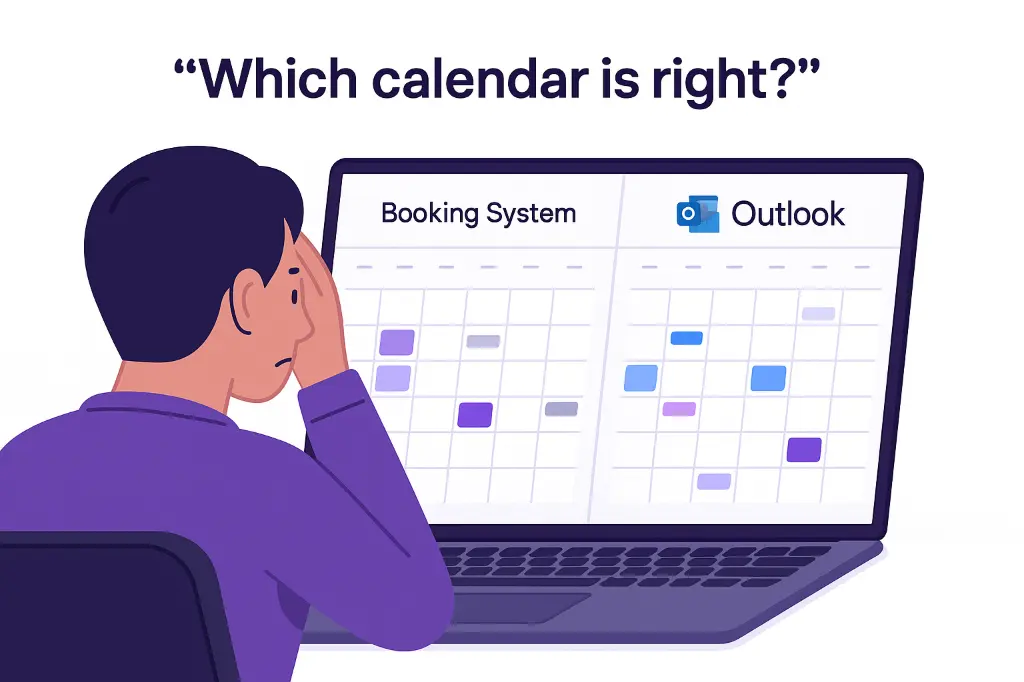
When Outlook, Teams and the booking system don’t behave like one unified workflow, people don't know where to book, whether rooms are free - or whether they will end up with the room they think they're booking.
Amongst the confusion, you are basically asking users to:
Switch between tools unneccesarily and in confusion
Re-enter information in different platforms
Wait for calendar syncs to work
Compare conflicting availability
Be aware that they may accidentally double-book spaces or create ghost-booked rooms (because they didn't know they still had a booking)
They will lose confidence in the booking experience. They will end up coordinating manually - taking valuable time and causing irritation.
This is where trust collapses - not because the room is full, but because people no longer believe the system reflects reality - and they don't know where to book or to see real availability.
And usually, they default back to Outlook and Exchange - despite its limitations... and those limitations are exactly why a proper booking system was deployed in the first place.
What can break everything quickly and easily in a booking workflow
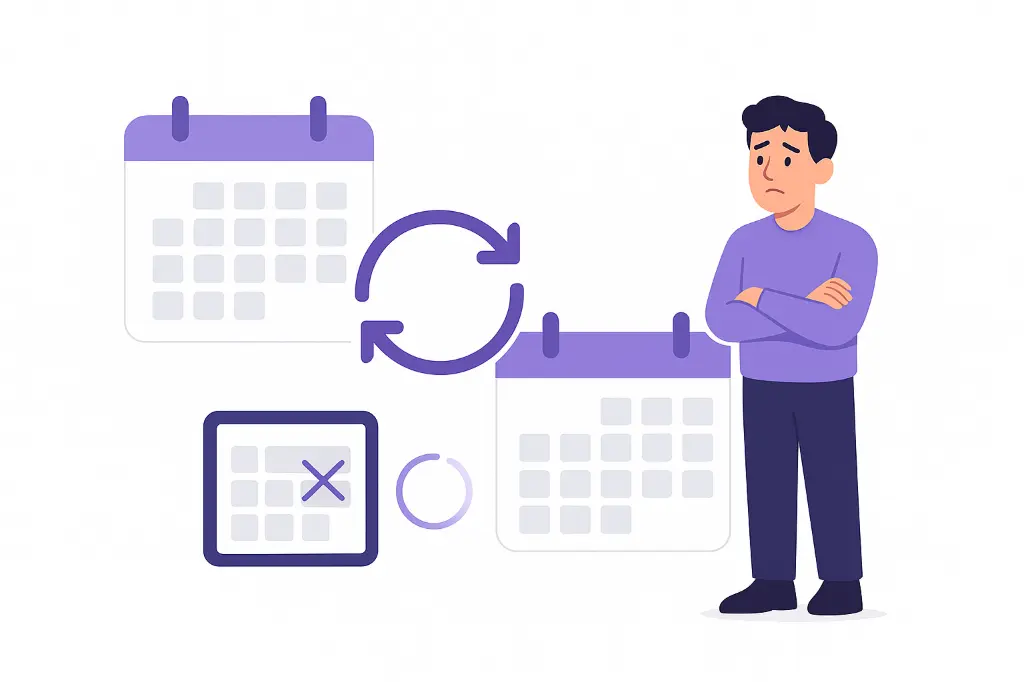
When calendars don't line up and synchronise properly, and immediately!
It's that simple!
When they’re not synced properly, you get:
Double bookings 2️⃣2️⃣
Ghost bookings 👻
Mismatched availability 🔀
Rooms showing “busy” when empty 😵💫
Endless complaints ❗
Shadow systems and workarounds 🚧
Users giving up 🤷
Once users stop trusting availability, adoption collapses fast. You're back to whatever limited booking capabilities and the same conflicts you had before...but now they're harder to solve because user trust is gone.
So...what’s the solution?
Stop forcing a choice between Teams vs Outlook vs the booking system.
Instead:
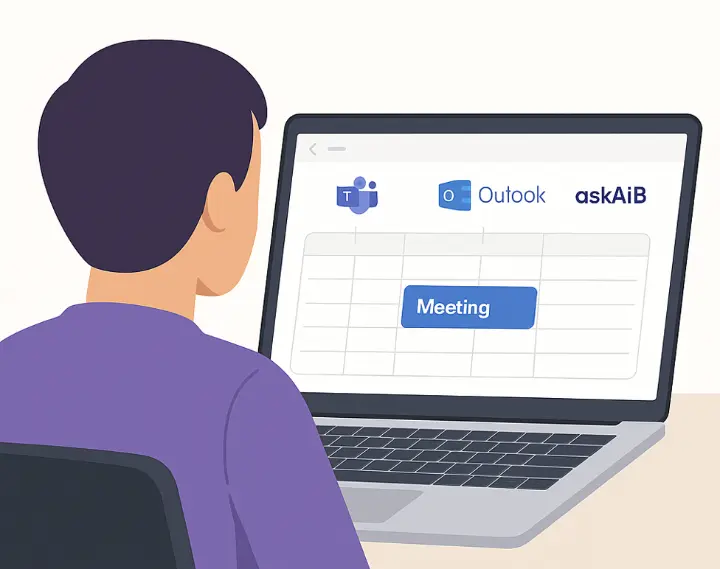
Let people book wherever they want to and make all systems stay perfectly in sync. Outlook, Teams, Web, Mobile - it shouldn't matter.
Robust Exchange synchronisation is the key that makes the whole system work -keeping all platforms aligned, and keeping bookings correctly integrated to users’ personal calendars.
Real workflow examples for what users expect
Here’s what a booking experience should look like:
Example 1 - Natural booking in Teams
A manager starts a discussion in Teams chat
Quickly checks room availability and books without switching apps
See a “live” floorplan in Teams
Outlook updates instantly
Room panel shows reserved immediately
No conflict window, no delay, no confusion
Example 2 - Booking via Outlook
A meeting invite is created in Outlook and a room is added
Users are invited
AskAiB instantly confirms availability and schedules space
Teams shows the same availability automatically
Web & mobile reflect the update instantly
Changes sync across all platforms
Example 3 - Mobile update on the move
A meeting time changes while someone is travelling
They update it from mobile (Outlook or booking system app)
The room booking updates everywhere instantly
No ghost booking, no duplicate reservations, no manual cleanup, all invitees alerted
Example 4 - Panel booking at the door
Someone books a room at the panel
Teams, Outlook and mobile calendars update immediately
Nobody walks into a surprise double booking ever again
Always - One booking. One source of truth. One workflow.
Where a booking system fits
A booking system doesn't need to replace Teams or Outlook. It needs to augment them, and offer things they can't. Complex bookings, interactive floorplans, colleague location visibility, booking desks, booths and other resources beyond rooms. Coordinating team collaboration.
A booking system should connect with Outlook and Teams, enhance them, and guarantee integrity for users looking for space where they struggle individually.
Let's take a look at how these system should work together:
Component | Strength | Limitation |
Outlook | Natural place to schedule meetings - user calendars are already there | Not designed for space management / check-in / conflict prevention. Complex bookings or multi-resource bookings for team collaboration don't exist |
Teams | Collaboration and live interaction | Not built to manage physical resources in any way |
Booking system | Resource management, occupancy rules, identity & workflows. Should offer an in-Teams experience and Outlook integration. Should unify platforms. | Needs to be connected to Microsoft 365 ecosystem - because that's where users live. |
Only all three working together in real time solves the workflow and broken trust problem, and delivers to you an office where users can find what they need, whenever they need it.
What askAiB makes possible
We built askAiB because organisations told us they were tired of:
Apologising for failed booking experiences
Having solution teams questioned publicly (because the demo they saw worked perfectly, but the reality of their environment means it doesn’t seem to work!)
Delivering tech that users don’t trust or use
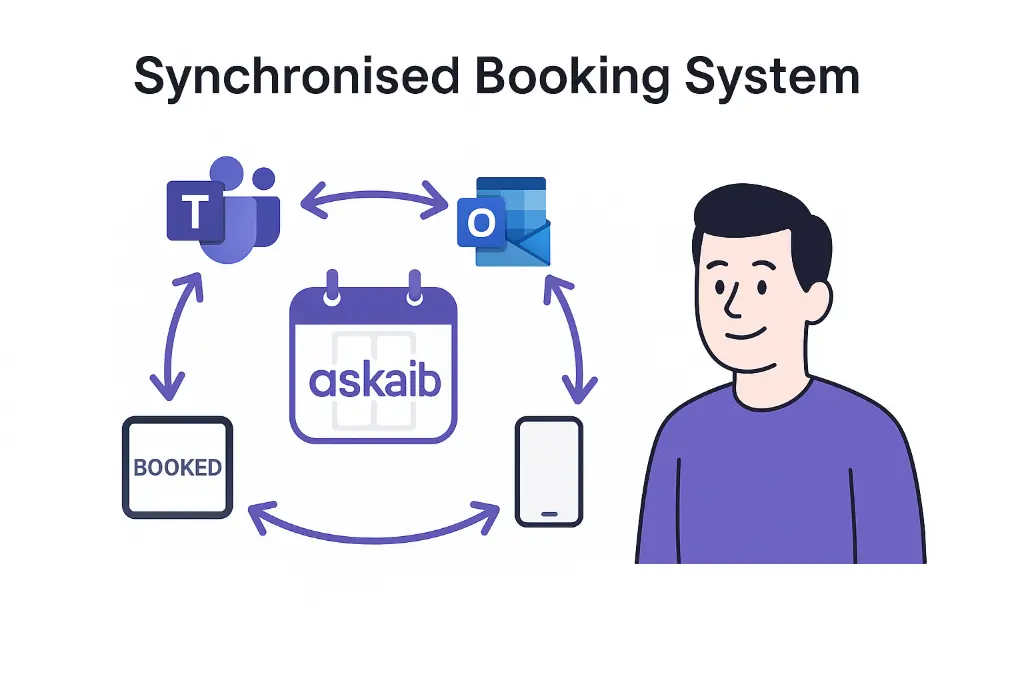
With robust, reliable real-time two-way Exchange synchronisation, askAiB keeps Teams, Outlook, Exchange, mobile, room tablets and web aligned.
For users:
✔️ There is no “wrong place” to book
✔️ There is no conflict window
✔️ There are no double bookings
✔️ There are no ghost bookings
✔️ There is no training required
One booking. One unified source of truth. One workflow.

That’s what your hybrid workplace needs, not telling people where they can/can't book.
Final thought
The future isn’t choosing Outlook, Teams or a booking system.
It’s choosing all of them together, working as one.
Stop forcing users to choose.
Stop making people change tools to get basic work done.
Stop tolerating broken workflows dressed up as integrations.
Let people book where they are.
Make everything stay in sync.
And have confidence that you can trust the result.
Want to see Teams + Outlook + a booking system working as one?
Book a 15-minute demo and watch real-time conflict-free sync in action.
👉 Book a demo
Coming soon!
This is article #1 in a deeper series exploring workplace booking reliability.
Coming soon:
Ghost Bookings & Sync Services - Why They Happen
Microsoft Teams vs Outlook - How Booking Should Work
Case Study: Eliminating Double Bookings in Public Sector